Solution
System Integration Services
Connecting the CRM, ERP, billing and internal systems you already run, so data moves between them with nobody copying it by hand.
NDA on request · Free, no-obligation estimate · Reply within one business day
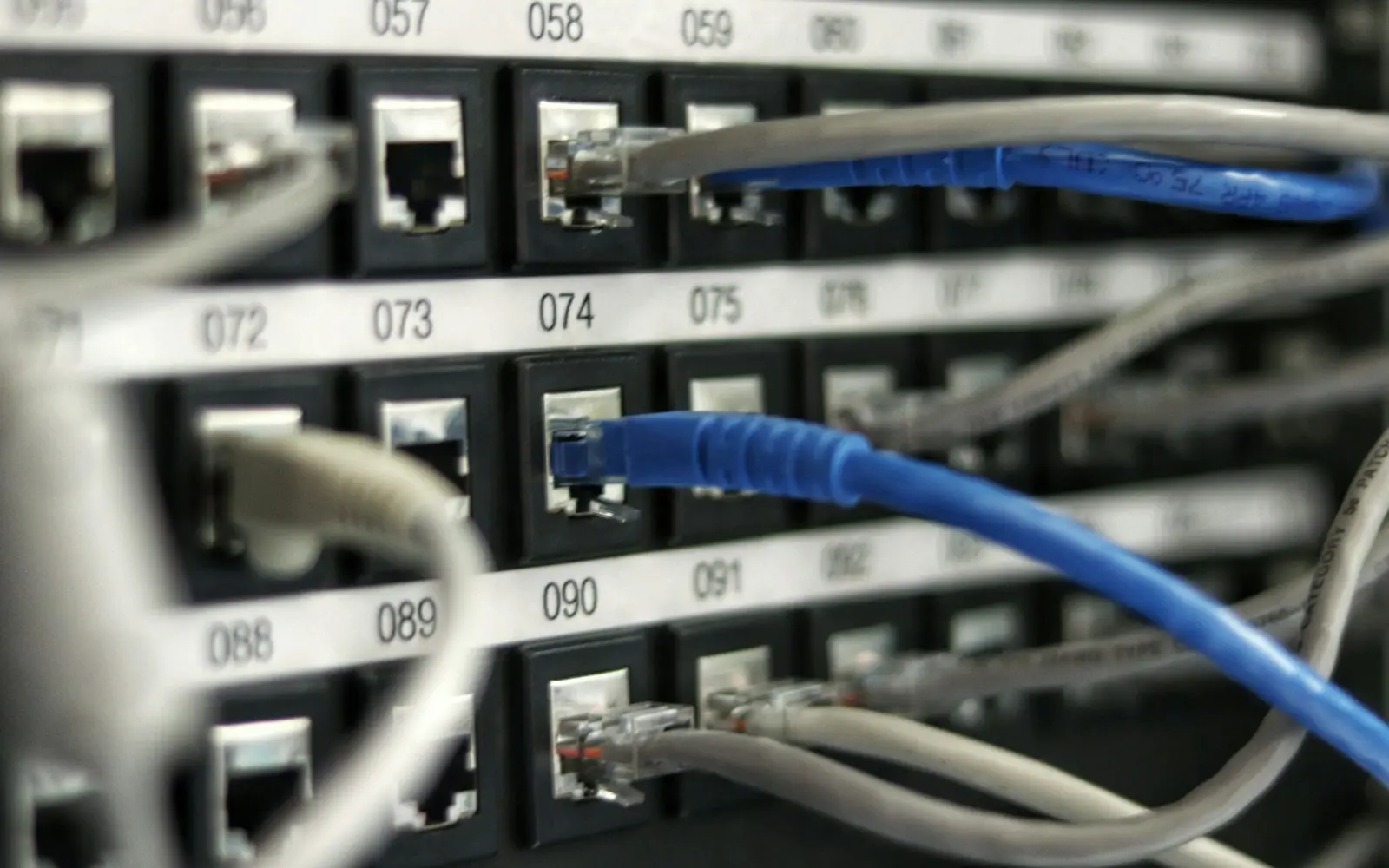
Most companies have systems in abundance. They run a CRM, an ERP, a billing platform, a support desk and several internal tools, and the real problem is that none of them communicate, so someone retypes the same order into three systems or exports a spreadsheet every Friday to reconcile numbers that should already match. Integration work connects the systems that exist, mapping their data to one another and handling the moments when one of them is slow, down or sends something unexpected.
We build the integration layer itself, whether that is a small number of point-to-point connections or a central hub that several systems talk through, sized to how many systems are involved and how often their data actually needs to be in sync.
Scope
Core features
Integration architecture matched to the number of systems
A small number of connections is often built point-to-point directly between two systems; five or more systems usually justifies a central hub so adding a sixth system does not mean rebuilding every existing connection.
Data mapping and transformation
Fields, formats, and identifiers get translated between each system's own schema, since almost no two systems use the same field names, units, or customer identifiers for the same underlying data.
Real-time sync where it matters, batch where it does not
An inventory count or a payment status usually needs to sync immediately; a nightly reporting export does not, and treating every sync as real-time adds cost and fragility without a matching benefit.
Retry logic and dead-letter handling
Failed syncs retry automatically with backoff, and anything that keeps failing lands in a queue someone can review, instead of silently disappearing or hammering a struggling system with retries.
Idempotent webhook processing
Incoming events get processed safely even when a system sends the same webhook twice, which happens more often than most integrations account for.
Master data reconciliation across systems
The same customer or product often exists with different identifiers in each system, and the integration layer maintains a mapping between them so records do not get duplicated or mismatched.
Monitoring and alerting for failed syncs
A dashboard and alerts surface failed or stalled syncs before someone notices a number is wrong three weeks later, rather than relying on a person to catch the discrepancy manually.
A layer that decouples systems from each other
Systems integrate against the integration layer's contract rather than against each other's internals directly, so replacing one connected system later does not mean rebuilding every other connection to it.
Architecture
Choices that shape the build
iPaaS versus a custom integration layer
The right choice depends on integration volume, complexity of the data transformations, and whether the connected systems have well-documented, stable APIs to build against.
Idempotency for retried and duplicate messages
Every write triggered by an incoming event needs to be safe to apply twice, since network retries and duplicate webhook deliveries are a normal part of how these systems behave.
Schema drift when a connected system changes its API
Third-party systems change their API without always notifying integration partners, so monitoring needs to catch a broken mapping quickly rather than let bad data flow silently for weeks.
No single source of truth across systems
When two systems can each be updated independently, the integration needs clear rules for which one wins on conflict, rather than assuming data will always arrive in a consistent order.
Rate limits and credential security
Third-party APIs throttle high-volume callers, and credentials for every connected system need to live in a secrets vault with rotation, since an integration layer often ends up holding access to more systems than any single application does.
Build vs buy
When to build and when to buy
iPaaS tools including Zapier, Workato, MuleSoft Anypoint, Boomi, and n8n are the right call for straightforward syncs between well-documented SaaS APIs at moderate volume, and we recommend them outright when the transformations involved are simple and the visual builder can express the logic without workarounds.
A custom integration layer earns its cost once volume or per-task pricing on an iPaaS platform gets expensive, once the data transformations are too complex for a visual builder to express cleanly, or once retry and idempotency logic needs to follow business rules specific to your systems rather than a generic connector's defaults.
Delivery
How delivery is phased
Map systems and data flows
We document every system involved, what data needs to move between them, and how often, before deciding on an architecture. This typically takes one to two weeks for a handful of systems.
Design the integration architecture
We choose point-to-point or a central hub based on the number of systems involved, and design error handling, retry, and idempotency rules before writing integration code.
Build and test the transformations
Data mapping and sync logic get built and tested against real data from each system, including the edge cases where records do not cleanly match between systems.
Monitor and harden in production
The integration runs in production with monitoring in place, and the first weeks focus on catching the failure modes that only show up under real traffic and real data quality issues.
Technology
Stack we usually choose
FAQ
Questions about System Integration
What is the difference between point-to-point and hub-and-spoke integration?
Point-to-point connects two systems directly, which is simple for a small number of connections but gets harder to maintain as more systems get added, since each new system needs its own connection to every other one. A hub-and-spoke architecture routes all systems through a central layer, so adding a new system means one new connection instead of several.
How do you handle a connected system changing its API without notice?
Monitoring on each integration flags unexpected errors or a drop in successful syncs quickly, so a schema change gets caught within hours rather than discovered weeks later when a report looks wrong.
Should we use an iPaaS tool like Zapier or Workato, or build custom integration?
iPaaS tools work well for simple, well-documented API connections at moderate volume. Custom integration is worth building once volume or platform pricing gets expensive, or once the data transformations are too complex for a visual workflow builder to express.
How do you prevent duplicate records when syncing data between systems?
The integration layer maintains a mapping between each system's identifiers for the same underlying record, and writes are made idempotent so a retried or duplicate event updates the existing record instead of creating a new one.
What happens when a connected system goes down during a sync?
Failed syncs queue and retry automatically with backoff once the system comes back, and anything that keeps failing after repeated retries lands in a dead-letter queue for manual review instead of being silently dropped.
Services
Services this draws on
- API DevelopmentWe design, build, document and version REST and GraphQL APIs so partners can integrate without asking your engineers for help.
- Backend DevelopmentWe build the server-side systems beneath your product, including data models, business logic, queues and the infrastructure that keeps them fast under load.

- Custom Software DevelopmentWe build software around the processes your business already runs on, so operations no longer depend on spreadsheets, workarounds and tools never built for your workflow.

- Cloud & DevOpsWe design cloud infrastructure as code, build CI/CD pipelines and prepare your team for incidents before they happen.

Industries
Industries that commission this
- Logistics & Supply ChainFreight, warehouse and fleet software that handles EDI 204/214/210 with your trading partners and holds up accurately in the field.

- ManufacturingShop floor, ERP and traceability software linking PLC data to the systems your planners and OEM customers rely on.

- Retail & E-commerceInventory, POS and storefront software that stays synchronized across every channel, with EDI connected for your wholesale partners.

- Professional ServicesEngagement management, time tracking and client portals designed around how consulting and advisory firms bill for their time.

Insights
Further reading
- 6 min readWhat Custom CRM Development Cost Looks LikeCustom CRM development cost starts near $40,000 for a focused pipeline tool and reaches $250,000+ for a multi-team platform with automation and reporting.

- 7 min readCustom Development vs No-Code ComparedCustom development vs no-code tools, compared on build speed, cost at scale, and where each approach holds up as your workflows grow more complex.

- 8 min readWhat Custom Software Development CostsCustom software development cost runs from $15,000 for a simple internal tool to $500,000 or more for enterprise platforms. This guide covers what drives it.

Discuss your system integration project
Send a short description of the project. A senior engineer reads each request and answers with questions, next steps and an early budget range.