No-cost estimateNDA available

Design

Figma Design Services

Components and variables that hold together as a design system, passed to engineering through Dev Mode in place of a static export.

NDA on request · Free, no-obligation estimate · Reply within one business day

NDA signed before we start
Full IP ownership on payment
Your repository from the first commit
Live demo at the end of every sprint
Built by senior engineers
How we work

A Figma file turns into a design system when its components sit on variables, meaning color, spacing and typography values defined once and referenced everywhere. The alternative is styles copied across dozens of frames that drift apart the moment one is updated and the others are not. Our figma design services build that structure from the start: component libraries with real variants and auto layout, variables for theming and responsive spacing, and prototypes that let a client click through a flow before any code exists.

The handoff from design to engineering runs through Dev Mode, which gives developers inspectable spacing, auto layout properties and generated code snippets directly from the actual component rather than a static image with measurements guessed from a ruler. Where a team wants design tokens to drive both the Figma file and the codebase from one source, we set up token export so color, spacing and typography values sync into the design system's actual CSS or platform-specific token format instead of being maintained by hand in two places.

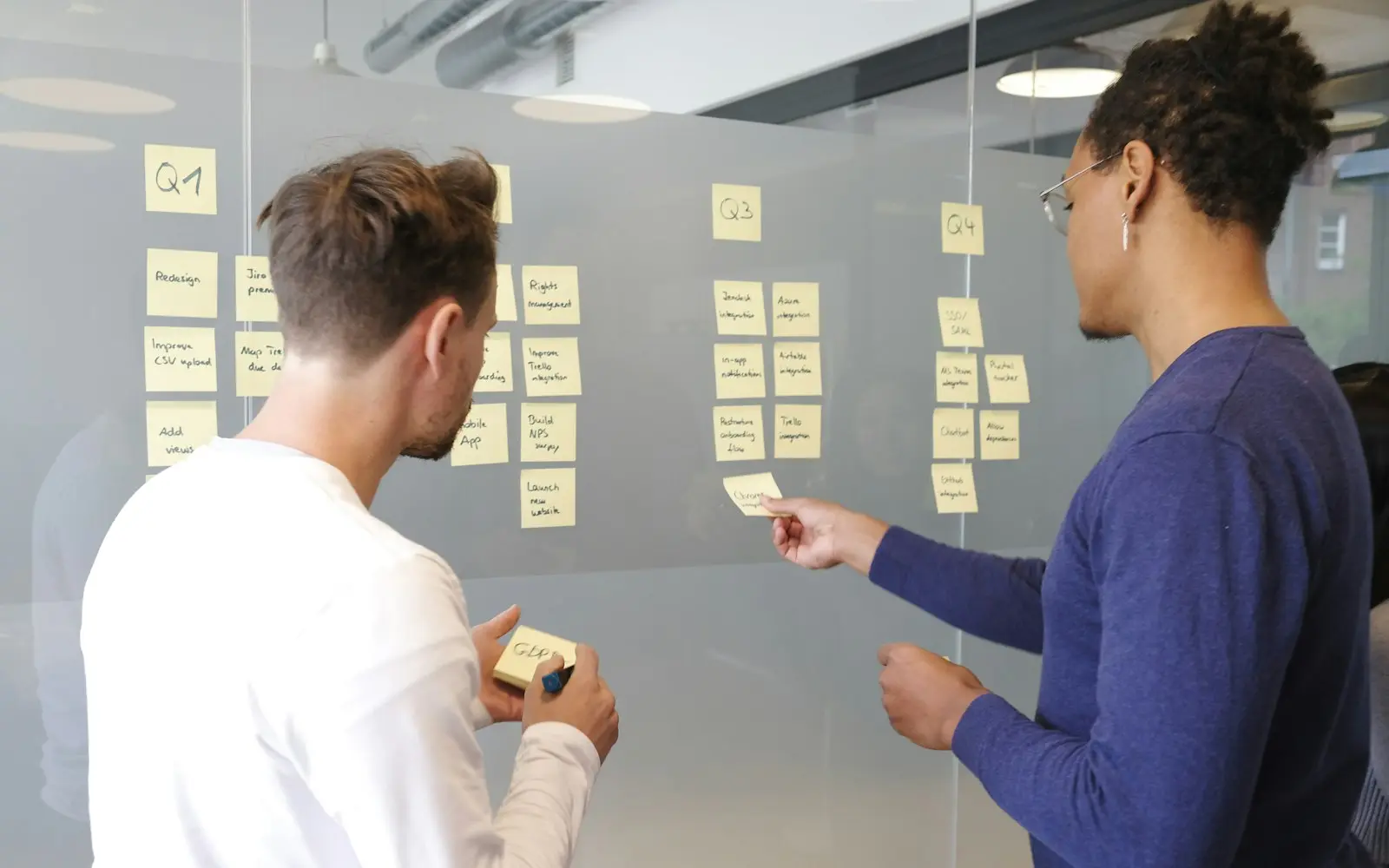
FigJam handles the collaborative work that happens before a file's first component gets drawn: workshops for mapping a user flow, gathering stakeholder input on a homepage direction, or running a design critique with people who don't have a Figma editor seat. We use it for that discovery and alignment work, separate from the design system file itself.

Fit

When Figma is the right choice, and when it is not

Good fit

  • The product needs a design system that stays consistent as it grows: components built on shared variables so a color or spacing change propagates everywhere it's used instead of needing a manual update on every frame
  • Engineering needs a reliable handoff, exact spacing, auto layout structure and component properties inspectable in Dev Mode, rather than a static export and a guess at the intended values
  • The team wants design tokens (color, spacing, typography) to drive both the Figma file and the production codebase from one source, instead of maintaining matching values by hand in two places
  • Stakeholder alignment or discovery work benefits from a shared collaborative canvas, FigJam for a workshop or flow mapping session, before design work starts in the actual file

Consider something else

  • The project is small and short-lived enough that a full component and variable structure costs more setup time than it saves; a simpler, flatter file gets a one-off landing page or small feature designed just as well
  • The team has no plan to maintain the design system after the initial build; a system built on variables and components still needs someone updating it as the product evolves, or it drifts out of sync with what's actually shipped the same way an unmaintained style guide does
  • Engineering already has an established component library and design tokens flowing from code to design rather than the reverse; in that case the Figma file should mirror the existing system rather than becoming a second source of truth
  • The immediate need is quick concept exploration rather than a production-ready file; a rougher, faster working style suits early concepting better than immediately building full variable-backed components

What we build

What we build with Figma

  • Design systems with variables and components

    Component libraries built on Figma variables for color, spacing and typography, with real variants and auto layout, so a token update propagates across every instance instead of requiring a manual pass through every frame.

  • Dev Mode handoff

    Engineering-ready files where spacing, auto layout properties and component structure are inspectable directly in Dev Mode, with generated code snippets that reflect the actual component rather than an estimate from a static export.

  • Design tokens exported to code

    Color, spacing and typography values structured as tokens that export into the codebase's actual format, CSS custom properties, a JSON token file, or a platform-specific format, keeping design and code values in sync from one source.

  • Prototyping

    Clickable prototypes built from real components, letting a client or stakeholder walk through a flow's actual interactions and transitions before any engineering work starts.

  • FigJam workshops

    Collaborative sessions for user flow mapping, stakeholder alignment and design critique, run on a shared canvas that doesn't require every participant to have a Figma editor seat.

  • Responsive and multi-breakpoint layout

    Auto layout and variable-driven spacing structured to adapt across breakpoints, so a component's responsive behavior is defined in the design file rather than left for engineering to interpret.

Ecosystem

Libraries and tools we pair it with

  • Figma variables for theming and responsive values
  • Figma Dev Mode
  • FigJam for workshops and flow mapping
  • Token export plugins and pipelines (Tokens Studio and similar)
  • Auto layout for responsive component structure

Design systems built on variables and components

A component library without variables behind it still drifts over time: a color gets updated on one instance and not the twelve others that use the same value, because each one holds its own copy rather than a reference to a shared source. Variables remove that gap by defining a value once, a specific shade of blue, a spacing unit, and having every component that uses it update together when the value changes.

We build new design systems with variables from the first component rather than retrofitting them later, since retrofitting means auditing every existing component to find and replace hardcoded values, which costs more than starting with the structure in place.

Dev Mode handoff versus a static export

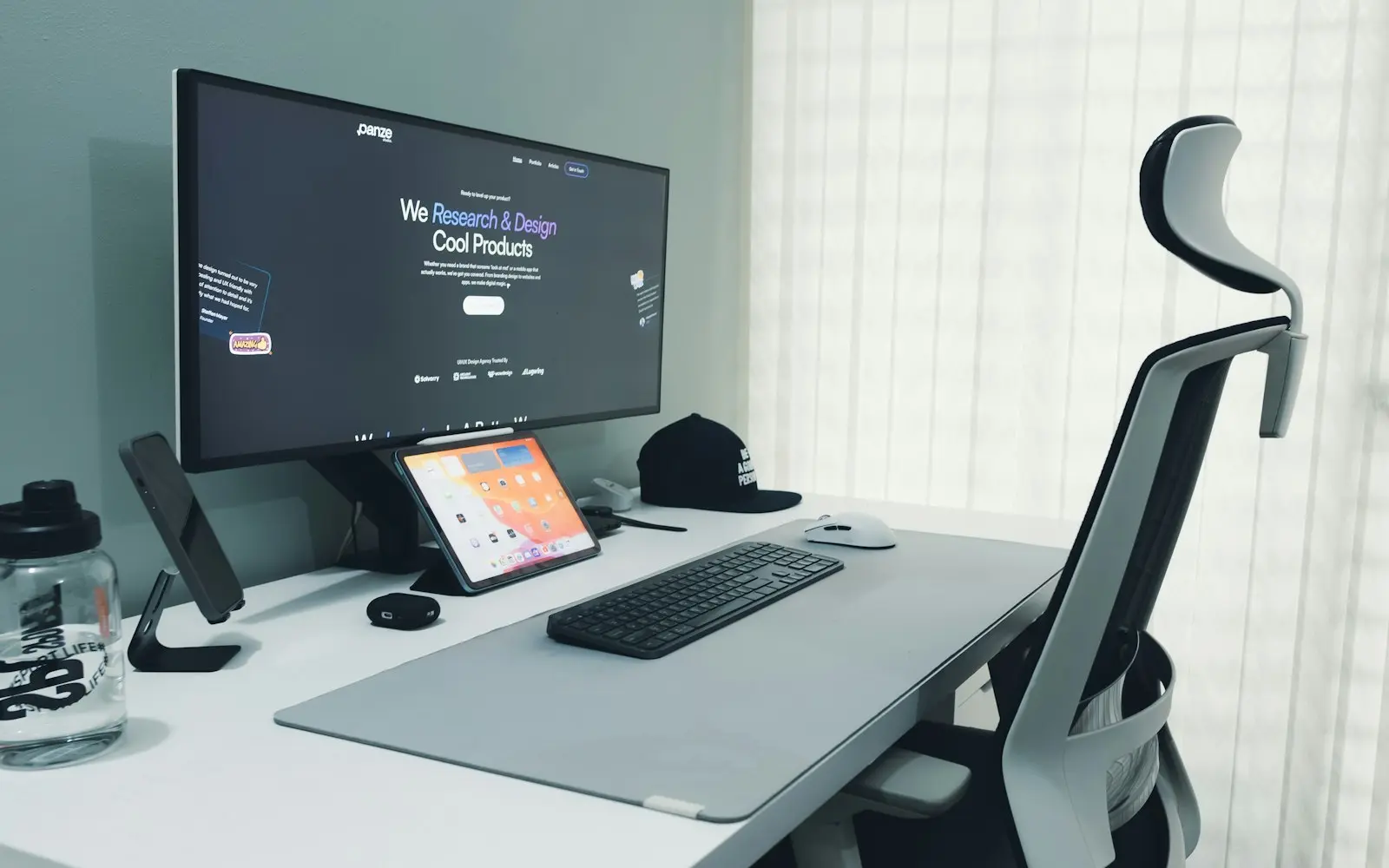
Handing engineering a flattened image with measurements written in a comment used to be standard practice, and it reliably produced small inconsistencies: a spacing value rounded differently than the file intended, a font weight guessed from how it looked rather than read from the actual style. Dev Mode exposes the real values, exact spacing, auto layout direction and gap, applied color and typography styles, directly from the component, and generates code snippets a developer can reference or use as a starting point.

This works best when the file itself is built well: components with proper auto layout and named variables hand off cleanly, while a file built from manually positioned, unstructured layers still leaves a developer guessing at intent even inside Dev Mode. The handoff quality follows directly from how the file was built, not just from turning Dev Mode on at the end.

  • Dev Mode reads real values from the component, not estimates from an image
  • Handoff quality depends on the file being built with auto layout and variables from the start
  • Generated code snippets are a starting reference, not a drop-in replacement for engineering judgment

Design tokens exported to code

Where a team wants Figma's variables and the codebase's actual design values to stay in sync without manual duplication, we set up a token export pipeline: color, spacing and typography values defined in Figma export into a format the codebase consumes directly, CSS custom properties, a JSON token file processed by a build step, or platform-specific tokens for a native mobile app.

This matters most for a product with an established design system that changes over time, where keeping Figma and the codebase manually synchronized becomes its own maintenance burden. For a smaller, more static project, manually matching values by hand is often simpler than setting up a token pipeline that has few future changes to justify it.

FAQ

Questions about Figma

What's the difference between Figma styles and Figma variables?

Styles apply a saved value, a color or text style, to a layer, but each application is a separate reference that can be reassigned individually. Variables go further by supporting modes, light and dark themes, or different breakpoints, from the same variable, and they integrate with Dev Mode's code output more directly, which is why we build new design systems on variables rather than styles alone.

Does Dev Mode replace the need for a developer to interpret the design?

No. Dev Mode exposes accurate spacing, structure and generated code snippets, which removes a lot of guesswork, but a developer still makes implementation decisions Dev Mode doesn't make for them, how a component maps to the codebase's existing patterns, what happens at edge cases the design didn't cover. It's a better handoff than a static export, not a replacement for that judgment.

Can Figma design tokens actually drive our production CSS?

Yes, through a token export pipeline that turns Figma variables into a format your build process consumes, CSS custom properties or a JSON token file are common choices. Setting this up costs some initial effort and is worth it for a design system that changes over time; for a small, mostly static project, manually matching values is often simpler.

What's FigJam used for if we already have a Figma design file?

FigJam is a separate collaborative canvas for the work that happens before or alongside actual design production: mapping a user flow, running a stakeholder workshop, or collecting feedback from people who don't need a full Figma editor seat. We use it for discovery and alignment, keeping the design system file itself focused on production-ready components.

How realistic can a Figma prototype feel before any code is written?

Built from real components with proper interactions and transitions, a Figma prototype can walk a stakeholder through a flow closely enough to catch usability issues and missing states before engineering starts. It won't reflect real data, performance or edge cases the way a working build does, but it catches a meaningful share of design problems at the cheapest point to fix them.

Talk to a Figma developer

Send a short description of the project. A senior engineer reads each request and answers with questions, next steps and an early budget range.

Get your free estimate