Building an ERP from a generic module list gives the same outcome as building a CRM that way. The system runs, but it does not match how the business operates, and people work around it within months. This guide builds one from the operational workflow upward, whether you end up with an in-house build, a custom ERP development engagement, or a heavily configured existing platform.
Start with the operational workflow, not the finance view
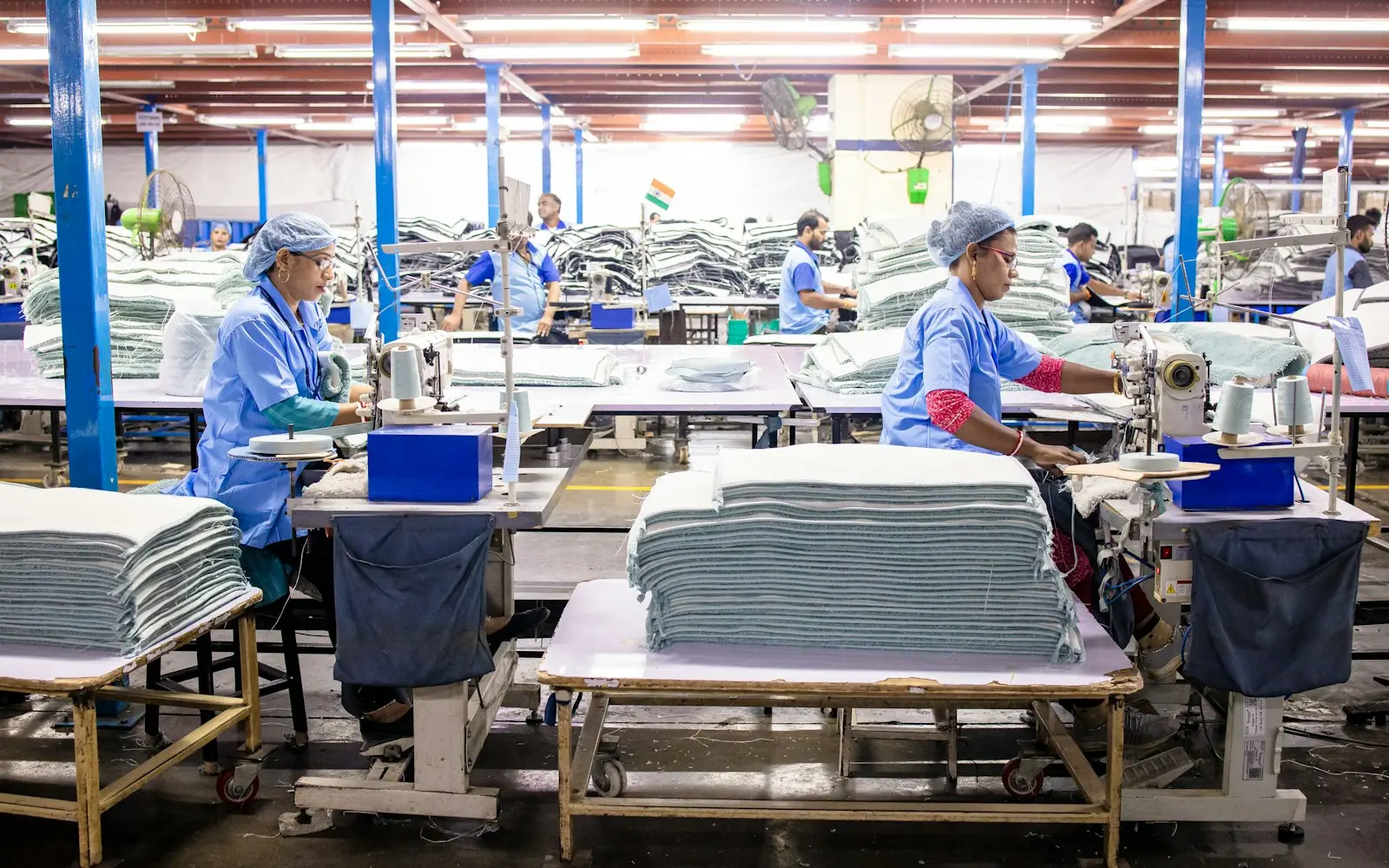
Finance leadership usually has the clearest description of what an ERP should report, but the operational reality, how inventory actually moves, how purchase orders actually get approved, where production schedules actually slip, lives with warehouse staff, production supervisors and purchasing agents. Map the process with the people doing it daily before finalizing what the system needs to track, since the gap between the documented process and the real one is exactly where a new ERP tends to fail on day one.
Define core modules in a deliberate order
Finance (a chart of accounts and general ledger) is the foundation nearly every other module reports into, so it comes first regardless of industry. Inventory and purchasing typically follow, since accurate stock levels and purchase order tracking are usually the most immediate operational pain a business is trying to solve. Manufacturing or production scheduling, if relevant, comes after inventory is solid, because production logic depends on knowing what materials are actually available. Building manufacturing logic against unreliable inventory data just moves the unreliability one layer up.
Design the data model around your real operation
Every ERP needs a version of a few core entities: items or SKUs, warehouses or locations, purchase orders, and general ledger accounts. The details that matter most are the ones specific to your operation: does one item get tracked by lot or serial number, do multiple warehouses need separate stock counts or a consolidated view, does a bill of materials need multiple revision levels for a manufactured product? Getting this structure right in discovery avoids a costly schema rework once real transactions are flowing through the system.
What to defer in a first release
Multi-currency consolidation across subsidiaries, advanced demand forecasting, and complex approval chains with many conditional branches are common candidates to build in a second phase rather than the first. A first release that gets core finance, inventory and purchasing right, with clean data and reliable reporting, is worth more than a first release that tries to cover every eventual module and ships with weak foundations under all of them.
Integration priorities
The existing accounting system of record, if one isn't being fully replaced, needs a clear data flow so finance isn't reconciling two sources of truth. An e-commerce platform or point-of-sale system, if the business sells directly to customers, needs order and inventory data flowing in near real time, or stock counts drift out of sync within days. Supplier integrations, EDI for larger suppliers especially, matter more as purchase order volume grows, since manual entry of incoming purchase orders is a common source of pricing and quantity errors.
Permissions and roles
A typical ERP needs at least three permission tiers: operational staff who can create and update records relevant to their function (a warehouse picker updating stock, a buyer creating a purchase order), managers who approve transactions above a threshold and see department-level reporting, and administrators who configure the system and see everything across departments. Financial data in particular needs careful access control, since an ERP often holds compensation, margin and vendor pricing data that shouldn't be visible company-wide by default.
Which ERP modules to build, configure or buy
Standard finance and inventory workflows are well covered by configurable platforms like Odoo, NetSuite or similar suites; our custom ERP vs Odoo comparison covers when configuring a platform like that beats a custom build. Custom development tends to earn its cost around what's genuinely specific to your operation: a production scheduling rule tied to particular equipment, a costing method your industry uses that a generic module doesn't model, or multi-entity consolidation a standard chart of accounts can't represent cleanly.
Technical decisions that affect long-term maintenance
A relational database such as PostgreSQL is the standard choice for ERP data, since inventory counts, purchase orders and general ledger entries all depend on strict data integrity and transactional consistency that a relational system is built to guarantee. Reporting at scale, once transaction volume grows, often benefits from a separate reporting layer rather than running complex queries directly against the transactional database, so day-to-day operations don't slow down when someone runs a large report.
Reporting that operations teams actually trust
It's tempting to build an extensive reporting suite in the first release, but reports built against data that isn't clean yet just produce numbers nobody trusts. A small set of reports people check regularly, current stock by location, purchase orders awaiting approval, and a basic income statement, delivers more value early than a comprehensive analytics layer built before the underlying transactional data is reliable. Expand reporting once the core data is trustworthy enough for the additional detail to mean something.
How your industry shapes the ERP data model
The core finance-inventory-purchasing model holds broadly, but what's worth customizing varies by operation. Manufacturing businesses typically need bills of materials with multiple revision levels and work-order tracking tied to specific equipment or shifts. Construction firms often need job costing structured around individual projects rather than a standard product catalog. Logistics operations frequently need warehouse-level stock visibility and carrier integration that a generic inventory module doesn't include by default. None of these require abandoning the standard model, they require extending it deliberately around the parts of the operation that are genuinely different.
Migrating from spreadsheets or a legacy system
Data migration is consistently the part of an ERP project that takes longer than expected. Years of inventory counts that were never reconciled, duplicate vendor records, and a chart of accounts that's grown inconsistent over time all become visible the moment they're moved into a system that expects clean, structured data. Budgeting real time for this cleanup, rather than assuming an automated import handles it, is one of the more reliable predictors of whether an ERP launch date holds.
Piloting before a full rollout
Rolling out a new ERP across every department and warehouse simultaneously means any process gap or missing field affects the whole operation at once. Piloting with a single warehouse, product line or department first surfaces usability and data problems while the blast radius is still small, and gives the rest of the organization a working reference before their own cutover.
Common mistakes when building an ERP in-house
- Designing modules from the finance department's view only, missing operational exceptions that warehouse or production staff handle daily
- Building advanced forecasting or multi-entity consolidation before core inventory and finance data is reliable
- Underestimating supplier and e-commerce integration complexity, which is often where inventory data actually goes stale
- Skipping a phased pilot and rolling out to the entire operation before the data model has been tested against real transactions
Frequently asked questions
How long does building an ERP from scratch typically take?
A focused first release covering finance, inventory and purchasing typically takes several months; adding manufacturing or multi-entity consolidation extends that meaningfully. See our ERP development cost guide for a fuller breakdown by scope and phase.
Can we build the finance and inventory modules ourselves and bring in help for manufacturing?
Yes, and phasing an ERP build this way is common, particularly when in-house capacity exists for the more standard modules but the production scheduling logic needs specialized experience. The key is making sure the underlying data model is agreed on across both phases so the modules don't need reconciling later.
Is it a mistake to build a custom ERP if we've never run one before?
Not necessarily, but it raises the value of a pilot phase and a partner who has implemented ERPs before, since a team building both the software and its own first operational ERP process simultaneously has more to get wrong than a team implementing a well-understood platform.
Should finance and operations agree on the data model before development starts?
Yes, and skipping this step is one of the more expensive mistakes in ERP projects. Finance typically cares about how transactions roll up into the general ledger, while operations cares about the day-to-day fields needed to run a warehouse or production line. A data model agreed by both before development starts avoids a rework cycle where one side's requirements get bolted on after the other side's structure is already built.
Next step
If you're ready to scope an ERP around your actual operation rather than a generic module list, get a project estimate and we'll map your inventory, purchasing and finance workflow into a phased build plan, with realistic cost at each stage. See also how a purpose-built inventory management system compares if inventory, rather than a full ERP, is the actual bottleneck.