Solution
Field Service Management Software
Scheduling, dispatch and mobile tools for technicians working where signal is unreliable, with offline sync designed in from the start.
NDA on request · Free, no-obligation estimate · Reply within one business day
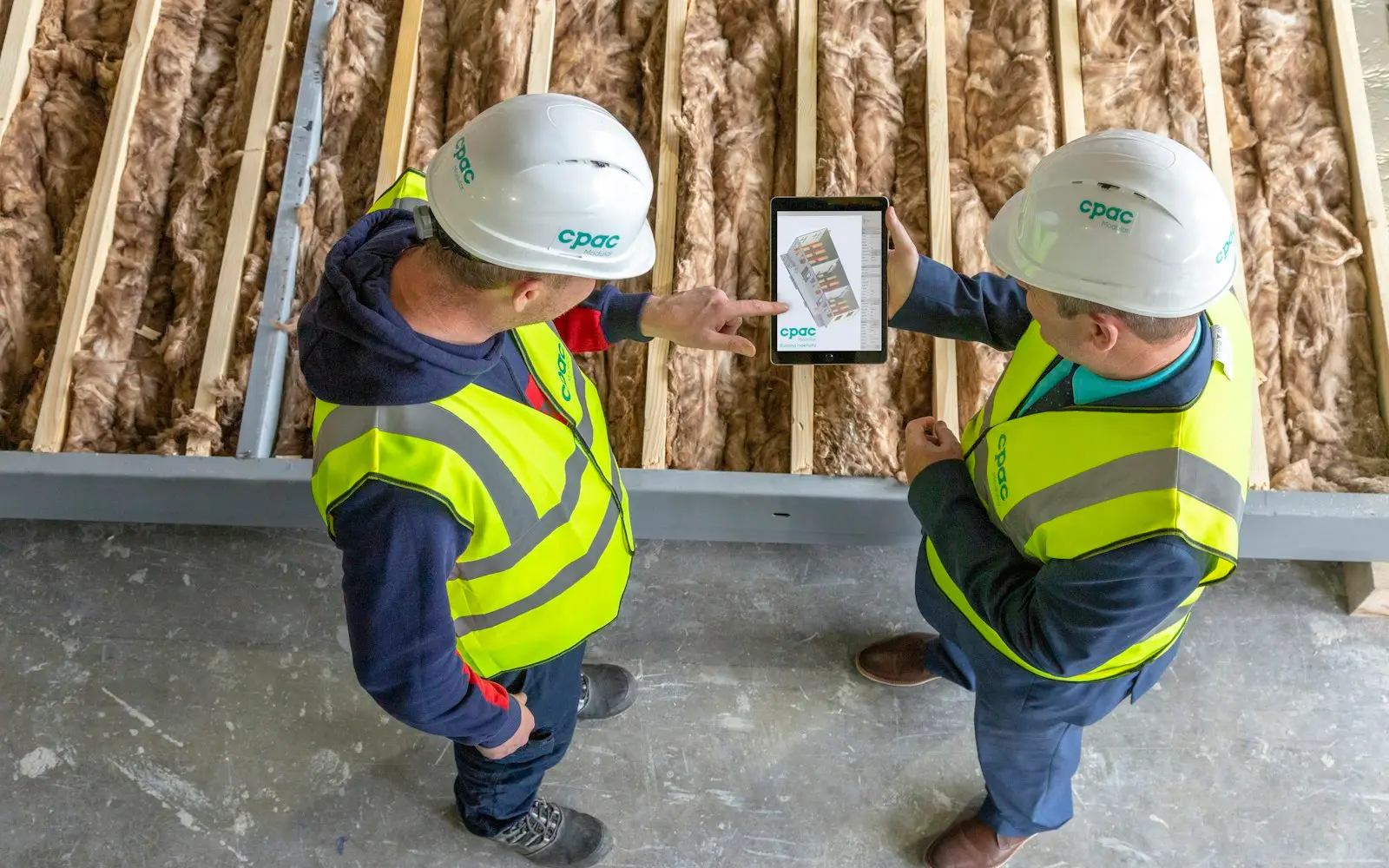
Badly built field service software fails in a predictable way. A technician loses signal in a basement or at a rural site and keeps working, and the app freezes or quietly drops what they entered. Getting it right means designing for intermittent connectivity from the beginning and avoiding an offline mode that gets patched in later as an edge case.
We build these for trades and service businesses where technicians spend most of their day away from an office, dispatched to jobs that need accurate scheduling, real-time status, and a way to invoice and collect payment on site.
Scope
Core features
Technician scheduling and dispatch
Jobs get assigned to technicians based on skill, location, and availability, with dispatchers able to see the full day's schedule and adjust it as jobs run long or new requests come in.
Offline-capable mobile app
Technicians can view job details, update status, and capture data with no signal at all, with everything syncing automatically once connectivity returns.
Job tracking from creation to completion
Every work order tracks through its full lifecycle, from the initial request through scheduling, in-progress status, and completion, giving the office real-time visibility without calling the technician.
Parts and inventory tracking per technician
Stock carried in each technician's van gets tracked separately, so a part used on a job decrements from the right inventory and triggers a restock alert when it runs low.
Signature and photo capture on completion
Customers sign off on completed work directly on the technician's device, and before-and-after photos attach to the job record, which matters for both quality disputes and warranty claims.
GPS tracking and route optimization
Technician locations feed into route planning so the day's jobs get sequenced to minimize drive time, and dispatchers can see real-time location for the closest available technician on an urgent request.
On-site invoicing and payment collection
Technicians generate and send an invoice, and collect payment by card, directly from the job site, instead of billing happening days later back at the office.
Customer notifications
Customers get notified automatically when a technician is en route with an estimated arrival window, cutting the volume of calls asking where the technician is.
Architecture
Choices that shape the build
Offline sync and conflict resolution
The app needs a clear strategy for what happens when a technician updates a job offline and the office updates the same job online before the technician reconnects, so the sync does not silently overwrite one change with the other.
Scheduling optimization across multiple constraints
Dispatch logic has to balance technician skill, current location, and availability at once, which gets more valuable as the number of daily jobs and technicians grows past what a dispatcher can optimize manually.
GPS tracking privacy and battery impact
Continuous location tracking needs clear boundaries around when it is active, typically only during working hours and active jobs, both for driver privacy and to avoid draining device batteries throughout the day.
Integration with an existing CRM or dispatch system
Field service data, including job history and customer records, often needs to sync with a CRM the office already uses, rather than becoming a second, disconnected system of record.
Jobs that run over time and cascading schedule impact
A job that runs long has to update the rest of the day's schedule and notify affected customers automatically, rather than leaving the dispatcher to manually recalculate every downstream appointment.
Build vs buy
When to build and when to buy
ServiceTitan, Jobber, and Housecall Pro cover standard field service workflows well, scheduling, invoicing, and customer communication, for trades businesses like HVAC, plumbing, and electrical, and are usually the right call for a business whose operations fit a standard service model. We recommend one of them when the workflow is not meaningfully different from what these platforms were built for.
Custom development is worth it when field operations have requirements those platforms do not model well, such as complex multi-technician jobs with interdependent scheduling, equipment tied to regulatory inspection schedules, or a need to integrate deeply with a proprietary internal system those platforms cannot connect to.
Delivery
How delivery is phased
Map technician workflows and offline requirements
We document how technicians actually work today, including where connectivity is unreliable, since that shapes how much of the app needs to function fully offline.
Build the offline-capable mobile app and sync engine
The technician-facing app and its offline data sync get built and tested under real connectivity loss scenarios before any dispatcher-facing tooling is built.
Build scheduling, dispatch, and invoicing
Dispatcher tools, route optimization, and on-site invoicing get layered on next. This typically takes several weeks depending on how many integrations with existing systems are involved.
Pilot with a technician crew and launch
A subset of technicians uses the system on real jobs before the full team switches over, since offline sync edge cases show up faster in real fieldwork than in office testing.
Technology
Stack we usually choose
FAQ
Questions about Field Service Management Software
How does offline mode work for field technicians with no signal?
The mobile app stores job data, status updates, and captured photos or signatures locally on the device when there is no connectivity, then syncs everything to the server automatically once the technician reconnects, with conflict handling for anything changed on both sides in the meantime.
Should we use ServiceTitan or build a custom field service system?
ServiceTitan, Jobber, and Housecall Pro cover standard trades workflows well and are usually the faster, cheaper option. Build custom when your operations involve complex multi-technician job dependencies, regulatory equipment inspection tracking, or integration with a proprietary internal system those platforms cannot reach.
Can field service software optimize technician routes and schedules automatically?
Yes. Route optimization sequences a technician's jobs to minimize drive time based on location and job duration, and dispatch logic can suggest the best available technician for a new or urgent job based on skill, location, and current schedule.
How do technicians collect signatures and photos on a job?
The customer signs directly on the technician's device using a touch signature capture, and before-and-after photos are taken within the app and attached to the job record, both of which stay stored locally if there is no connectivity at the time.
Can customers get notified when a technician is on the way?
Yes. Once a technician starts heading to a job, the customer receives an automatic notification with an estimated arrival window, which reduces the number of calls asking for a status update.
Services
Services this draws on
- Mobile App DevelopmentWe build native and cross-platform mobile apps, handle App Store and Play Store submission, and design for the offline gaps and device permissions a phone has to cope with.

- Custom Software DevelopmentWe build software around the processes your business already runs on, so operations no longer depend on spreadsheets, workarounds and tools never built for your workflow.

- Backend DevelopmentWe build the server-side systems beneath your product, including data models, business logic, queues and the infrastructure that keeps them fast under load.

- API DevelopmentWe design, build, document and version REST and GraphQL APIs so partners can integrate without asking your engineers for help.
By industry
Field Service Management Software built for specific industries
Industries
Industries that commission this
- ConstructionTracking for RFIs, submittals and change orders, along with field apps that carry on working when a jobsite loses its signal.

- Energy & UtilitiesTelemetry, meter data and outage management software that carries SCADA protocols into a data layer your teams can query.
- Real EstateListing, transaction and property management software built on RESO Web API data feeds and search that complies with Fair Housing rules.

- AutomotiveSoftware for dealer CRM, inventory and service scheduling that connects straight to your DMS and avoids becoming one more separate system.

Insights
Further reading
- 6 min readWhat Custom CRM Development Cost Looks LikeCustom CRM development cost starts near $40,000 for a focused pipeline tool and reaches $250,000+ for a multi-team platform with automation and reporting.

- 7 min readCustom Development vs No-Code ComparedCustom development vs no-code tools, compared on build speed, cost at scale, and where each approach holds up as your workflows grow more complex.

- 8 min readWhat Custom Software Development CostsCustom software development cost runs from $15,000 for a simple internal tool to $500,000 or more for enterprise platforms. This guide covers what drives it.

Discuss your field service management software project
Send a short description of the project. A senior engineer reads each request and answers with questions, next steps and an early budget range.