Mobile App Development · Logistics & Supply Chain
Logistics Mobile App Development
Driver and dispatch apps made for warehouses and routes where connectivity fails before the delivery finishes.
NDA on request · Free, no-obligation estimate · Reply within one business day
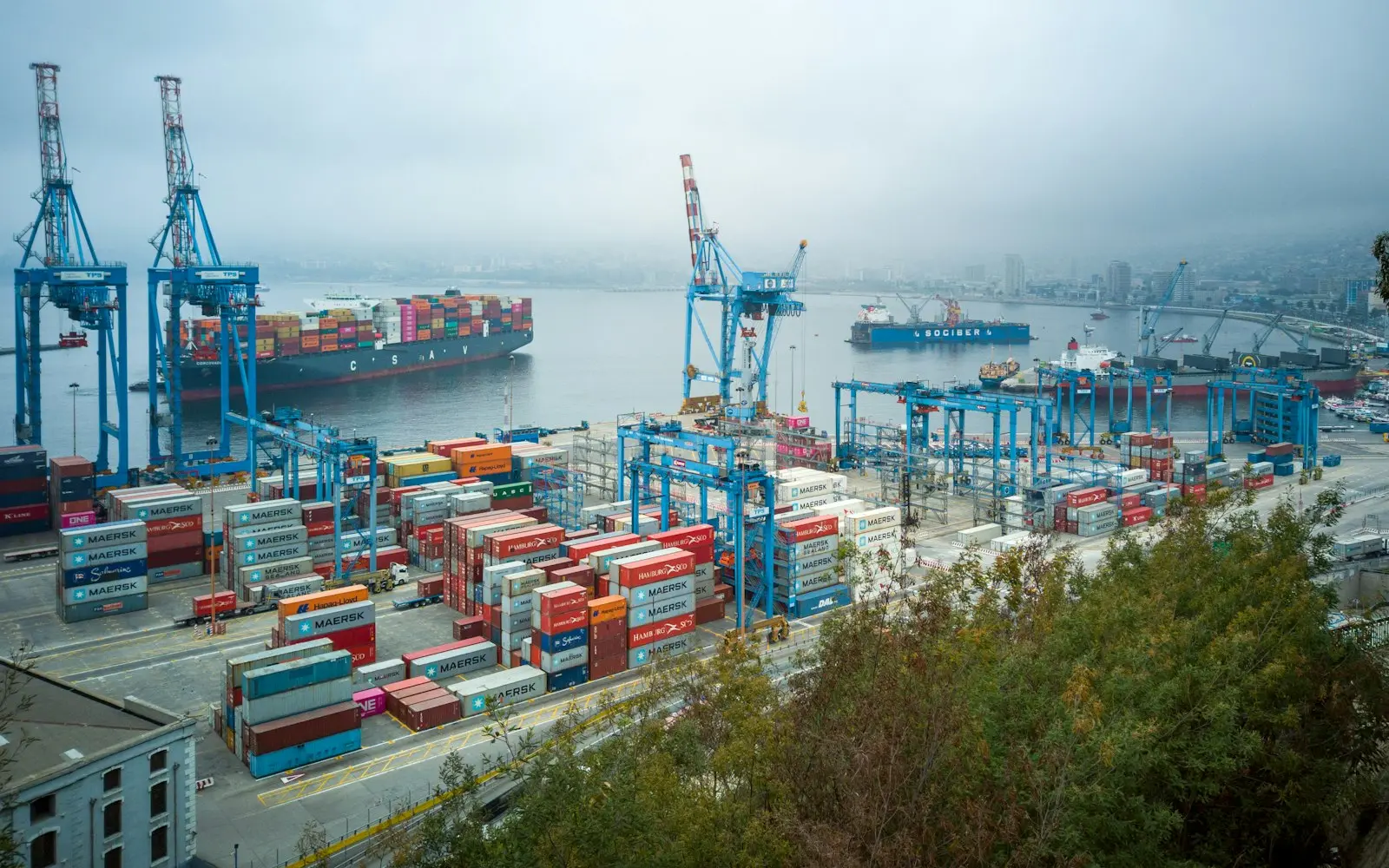

A logistics driver app has to assume the phone will lose signal exactly when it matters most, whether inside a concrete loading dock, in a rural delivery zone, or at the back of a warehouse where metal shelving blocks every cell tower. A proof-of-delivery photo, signature, or barcode scan taken at that moment cannot wait for connectivity before counting as done. Otherwise drivers begin reporting deliveries as failed just to move on to the next stop.
The harder problems sit below the delivery screen. Barcode and QR scanning through a phone's camera needs to handle labels that are torn, sun-faded, or printed at an angle, since dedicated hardware scanners aren't always in every driver's hand. Route optimization has to account for real delivery windows and vehicle capacity, not just shortest distance, and electronic logging device data for driver hours needs to feed into scheduling so a route doesn't get planned past a driver's legal hours-of-service limit. Geofencing that automatically marks a stop as arrived or departed has to be tuned carefully, because overlapping geofences in a dense delivery zone will misfire constantly if left at default radius settings.
We build driver and dispatch apps around offline-first proof of delivery, camera-based barcode scanning, and route optimization that reflects real operational constraints, so a driver's day doesn't fall apart the moment the signal does.
The problem
How logistics & supply chain projects differ
Proof of delivery has to work fully offline
Warehouses, rural routes, and underground loading docks routinely drop signal, so photo, signature, and barcode capture at the point of delivery need to save locally first and sync once connectivity returns, without creating duplicate records if a driver reopens the app mid-sync.
Camera-based barcode scanning has to tolerate damaged labels
Not every stop has a dedicated hardware scanner, so the app's camera-based scanning needs a fallback for torn, faded, or angled barcodes, and a manual entry path for the labels that still fail to scan after a couple of tries.
Route optimization needs real operational constraints, not just distance
A route planned on shortest distance alone ignores delivery time windows, vehicle capacity, and a driver's remaining hours-of-service, all of which change which stop order actually works on the ground.
ELD data has to inform scheduling, not just record it
Electronic logging device data tracks a driver's hours for FMCSA compliance, but if that data doesn't feed back into route planning, dispatch keeps assigning routes that run a driver past a legal limit and force a last-minute reassignment.
Geofencing misfires in dense delivery zones
Automatic arrival and departure status updates based on geofencing work well for spaced-out stops, but overlapping geofences in an urban delivery zone or a large distribution campus trigger false status changes unless radius and dwell-time are tuned to the actual site layout.
Scope
Features we often include
Offline-first proof of delivery
Photo, signature, and barcode capture that saves locally and syncs automatically once connectivity returns, with conflict handling to prevent duplicate delivery records.
Camera-based barcode and QR scanning
Phone-camera scanning tuned for damaged or poorly printed labels, with a manual entry fallback so a failed scan never blocks a delivery.
Route optimization with real constraints
Routing that factors delivery time windows, vehicle capacity, and driver hours-of-service remaining, not just shortest distance between stops.
Geofencing-based status updates
Automatic arrival and departure detection tuned by site layout, reducing manual status taps without misfiring in dense delivery zones.
Dispatcher-driver messaging
In-app messaging and job reassignment between dispatch and drivers, replacing phone calls and text threads that don't attach to a specific stop.
ELD integration for hours-of-service
Driver hours data pulled from the fleet's electronic logging devices and fed into route planning to avoid assigning routes past a legal limit.
Customer-facing shipment tracking
A shareable tracking link generated from the same delivery data drivers update, giving end customers real-time visibility without a separate system.
Delivery exception workflows
Structured capture for failed deliveries, damaged goods, and refused shipments, with photo evidence attached directly to the exception record.
Compliance and standards
- FMCSA hours-of-service rules
- DOT ELD mandate
- GDPR
- CCPA/CPRA
Common integrations
- existing TMS
- existing WMS
- Samsara
- Motive
- Google Maps Platform
- Twilio
Approach
How these projects run
We start with the offline case, not the happy path, mapping exactly which screens a driver needs when the phone has no signal and designing local storage and sync conflict handling before we touch route optimization or dispatcher tooling. That order matters because retrofitting offline support into an app built assuming constant connectivity is far more disruptive than designing for it from the first sprint.
Barcode scanning and geofencing get field-tested against real labels and real site layouts, not clean samples, since damaged labels and overlapping geofences are exactly where a generic implementation breaks. Builds ship to a pilot group of drivers before a full fleet rollout, so route optimization and ELD integration get validated against real operating conditions first.
Typical stack
Related solutions
Systems in this space
- Fleet Management SoftwareVehicle tracking, maintenance scheduling and ELD compliance built on the telematics data your fleet already produces.
- System IntegrationConnecting the CRM, ERP, billing and internal systems you already run, so data moves between them with nobody copying it by hand.
- Customer Portal DevelopmentA login area where your customers see their own orders, invoices and support cases, connected to the systems that already store that data.

FAQ
Frequently asked questions
How long does it take to build a driver app with offline proof of delivery?
A driver app with offline photo, signature, and barcode capture plus basic route display typically takes three to five months. Adding route optimization with real constraints, ELD integration, or dispatcher tooling extends that depending on how many backend systems the app needs to connect to.
Can the app work in a warehouse or rural area with no cell signal?
Yes, proof-of-delivery capture is designed to work fully offline, saving locally and syncing once the driver's phone reconnects. The sync logic checks for conflicting edits so a delivery captured offline never overwrites or duplicates a record entered elsewhere.
Does the app integrate with our existing TMS or WMS?
Yes, we integrate with an existing transportation management or warehouse management system rather than replacing it, syncing shipment and delivery status so drivers and dispatch see the same data the back-office system already relies on.
How does barcode scanning work without dedicated hardware scanners?
The app uses the phone's camera for barcode and QR scanning, tuned to tolerate torn, faded, or angled labels better than a default scanning library, with a manual entry fallback for the labels that still fail after a couple of attempts.
Can the app integrate with ELD devices for hours-of-service compliance?
Yes, we integrate with providers like Samsara or Motive to pull driver hours data into route planning, so dispatch can see remaining hours-of-service before assigning a route rather than discovering a compliance conflict after the fact.
How does route optimization account for delivery windows and vehicle capacity?
Routes are generated against real constraints, delivery time windows, vehicle capacity, and driver hours remaining, rather than shortest distance alone, since a route that ignores those factors looks efficient on a map but fails in practice.
Explore
Keep exploring
- ServiceMobile App Development
- IndustryLogistics & Supply Chain software development
- Logistics & Supply ChainAI in Logistics Software Development
- Logistics & Supply ChainCustom Logistics Software Development
- Logistics & Supply ChainLogistics ERP Software
- Mobile App DevelopmentEducation Mobile App Development

- Mobile App DevelopmentFintech Mobile App Development

- Mobile App DevelopmentFitness App Development

Insights
Further reading
- 7 min readFlutter vs React Native for Your Next AppFlutter vs React Native compared on performance, native API access, team skills and cost, to help you choose the right cross-platform framework.

- 7 min readWhat Mobile App Development CostsMobile app development cost runs from $25,000 for a simple utility app to $300,000+ for a two-platform app with offline sync and payments.
Plan logistics mobile app development with a free estimate
Send a short description of the project. A senior engineer reads each request and answers with questions, next steps and an early budget range.