Custom Software Development · Construction
Custom Construction Software Development
Field management software for RFIs, submittals, and change orders, with records that hold up when a dispute reaches the office.
NDA on request · Free, no-obligation estimate · Reply within one business day
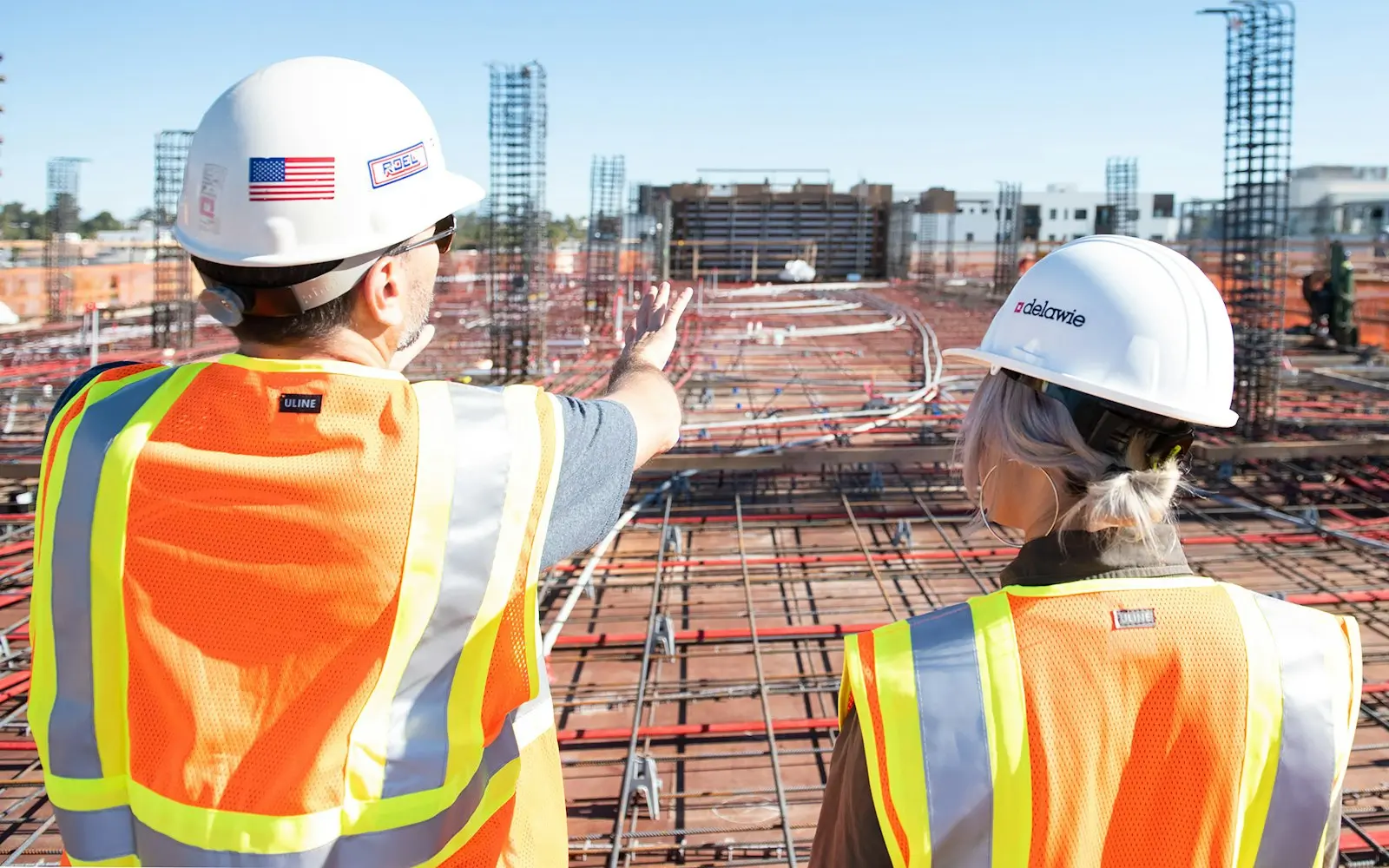

A general contractor loses time and money in the gap between the field and the office. An RFI waits in an email thread while a crew stands by for the answer. A change order begins as a superintendent's verbal instruction and gets documented weeks later, after the cost is already disputed. A punch list item is claimed by three subcontractors who each say someone else owned it.
We build the software that closes that gap: RFI tracking with routing, deadlines, and direct links to the specific drawing sheet in question, submittal workflows tied to spec sections so approval status is visible without a phone call, and change order documentation that captures a field-originated instruction and its cost and schedule impact the moment it happens rather than reconstructing it later from memory. Daily field reports and photo documentation get geotagged to a location on the drawing set, and drawing and BIM version control makes sure a superintendent working from a tablet in a trailer is looking at the current revision, not a printed sheet that's already been superseded.
This runs alongside Procore or Autodesk Build rather than replacing them, syncing documents and schedule data so a firm's existing field tools and this system stay in agreement instead of becoming two competing records of the same job.
The problem
How construction projects differ
RFIs answered through email get lost across dozens of open items
A job with thirty or forty open RFIs tracked through email threads and shared drives loses visibility fast, and a crew waiting on an answer to keep working doesn't have a reliable way to see who owns the response or when it's due.
Field-originated change orders get documented too late to avoid a dispute
A superintendent's verbal instruction to handle a discovered site condition often doesn't get written up until weeks later, and by the time the cost and schedule impact gets formalized, the client or the sub disagrees with what actually happened.
Daily field reports and photos aren't tied to a specific drawing location
Paper daily reports and scattered phone photos document that something happened on site, but without a link back to a specific location on the drawing set, they're far less useful when a dispute needs to reconstruct exactly what was where and when.
Drawing revisions outpace what's printed in the trailer
Drawing sets go through frequent revisions during a job, and a superintendent working from a printed sheet can be building against a superseded version without realizing a change has already been issued.
Punch list items get disputed across multiple subcontractors
A punch list item assigned without a single shared record often gets reported independently by the general contractor, the architect, and an owner's rep, and each subcontractor ends up disputing which version is authoritative.
Scope
Features we often include
RFI tracking with drawing references
RFIs routed with clear ownership and deadlines, linked directly to the specific drawing sheet or detail in question rather than described in free text.
Submittal workflows by spec section
Submittal status tracked against specification sections, giving the project team visibility into approval status without a status-check phone call.
Change order documentation
Field-originated change orders captured with cost and schedule impact at the moment they happen, with an approval trail attached to each one.
Daily field reports with geotagged photos
Field reports and photo documentation tied to a specific location on the drawing set, giving a dispute or a progress review a precise record.
Drawing and BIM version control
Current-revision drawing access from the field, reducing the risk of a crew working from a superseded sheet still sitting in the trailer.
Shared punch list management
One punch list record shared across the general contractor, subcontractors, and owner's rep, with photo evidence attached to each item.
Safety incident and toolbox talk logging
Incident reports and toolbox talk attendance logged from the field, replacing paper forms that are easy to lose track of across a large job.
Procore and Autodesk Build sync
Two-way sync for documents and schedule data with existing field management platforms, avoiding two competing records of the same job.
Compliance and standards
- OSHA recordkeeping
- state contractor licensing and lien-notice documentation requirements
Common integrations
- Procore
- Autodesk Build
- Fieldwire
- Bluebeam Revu
- DocuSign
- Egnyte
Approach
How these projects run
We start by mapping how RFIs, submittals, and change orders actually move through the firm's current process today, usually a mix of email, a shared drive, and whatever a field app already handles, and identify exactly which of those workflows the new system needs to formalize versus which existing tools stay in place. That mapping determines the Procore or Autodesk Build integration boundary before any screen gets designed.
Drawing version control and RFI-to-drawing linking get built and tested against a real, active job's drawing set, since generic sample data doesn't surface the revision-tracking edge cases that matter in practice. Your team retains ownership of the codebase and infrastructure from the first commit.
Typical stack
Related solutions
Systems in this space
- Field Service Management SoftwareScheduling, dispatch and mobile tools for technicians working where signal is unreliable, with offline sync designed in from the start.
- Document Processing AutomationAutomatic extraction of structured data from invoices, contracts and forms, with a defined review step for anything the extraction is unsure about.

- System IntegrationConnecting the CRM, ERP, billing and internal systems you already run, so data moves between them with nobody copying it by hand.
FAQ
Frequently asked questions
How does RFI tracking reduce delays waiting on an answer from the design team?
Each RFI routes to a specific owner with a deadline and a direct link to the drawing sheet in question, so a crew and a project manager can both see who owns the response and when it's due, instead of the RFI getting buried in an email thread with dozens of others.
Can field-originated change orders be documented before the cost dispute happens?
Yes, the workflow captures a change order's cost and schedule impact at the point a superintendent identifies the need for it in the field, rather than waiting weeks to formalize a verbal instruction, which is usually when the disagreement over what actually happened starts.
How do daily field reports tie photos back to a specific drawing location?
Photos and report entries are geotagged to a location on the current drawing set at the point of capture, so a later review or dispute can reference exactly where on the job a specific report or photo was taken.
Does the system keep field teams from working off outdated drawing revisions?
Drawing access in the field pulls from the current revision by default, reducing the risk that a superintendent working from a printed sheet in the trailer is building against a version that's already been superseded by an engineering change.
How long does it take to build custom construction field management software?
A focused system covering RFI tracking, submittals, and change order documentation for one active job typically takes a few months, with drawing version control and multi-subcontractor punch list sharing adding time depending on scope.
Can this integrate with Procore or Autodesk Build instead of replacing them?
Yes, most firms keep Procore or Autodesk Build for document storage and field communication and use this system to formalize RFI, submittal, and change order workflows on top, syncing data between the two rather than duplicating a system of record.
Explore
Keep exploring
- ServiceCustom Software Development
- IndustryConstruction software development
- ConstructionConstruction ERP Software Development
- Custom Software DevelopmentCustom Fintech Software Development

- Custom Software DevelopmentCustom Healthcare Software Development

- Custom Software DevelopmentCustom Insurance Software Development

Insights
Further reading
- 6 min readWhat Custom CRM Development Cost Looks LikeCustom CRM development cost starts near $40,000 for a focused pipeline tool and reaches $250,000+ for a multi-team platform with automation and reporting.

- 7 min readCustom Development vs No-Code ComparedCustom development vs no-code tools, compared on build speed, cost at scale, and where each approach holds up as your workflows grow more complex.

- 8 min readWhat Custom Software Development CostsCustom software development cost runs from $15,000 for a simple internal tool to $500,000 or more for enterprise platforms. This guide covers what drives it.

Plan custom construction software development with a free estimate
Send a short description of the project. A senior engineer reads each request and answers with questions, next steps and an early budget range.